Free tools/Updated October 2026
Social media image sizes.
Drop in a photo and see it cropped for every network at once. Click to set the focus point, then download each crop at the right size.
Every size, 1 table.
What each network accepts when you post through its official API, with the size to export for each format.
| Network | Format | Best shape | Size to export | Shapes allowed | Files and video |
|---|---|---|---|---|---|
| Feed post or carousel | 4:5 | 1080 × 1350 px | 4:5 to 1.91:1 | Up to 10 photos, 8 MB each | |
| Reel | 9:16 | 1080 × 1920 px | Any | 3 seconds to 15 minutes, 300 MB | |
| Story | 9:16 | 1080 × 1920 px | Any | 1 photo, 8 MB. Video 3 to 60 seconds, 100 MB | |
| TikTok | Video | 9:16 | 1080 × 1920 px | Any | 3 seconds to 10 minutes, 4 GB. Most accounts can post 3 minutes by API |
| TikTok | Photo carousel | 9:16 | 1080 × 1920 px | Any | Up to 35 photos, 20 MB each, JPEG or WebP |
| Post | 4:5 | 1080 × 1350 px | 1:2.4 to 2.4:1 | Up to 20 photos, 10 MB each. Video 3 seconds to 30 minutes, 500 MB | |
| PDF carousel | 1:1 or 4:5 pages | 1080 × 1350 px | Any page size | 1 PDF, up to 300 pages and 100 MB | |
| YouTube | Short | 9:16 | 1080 × 1920 px | Vertical or square | Up to 3 minutes |
| YouTube | Video | 16:9 | 1920 × 1080 px | Any | Up to 12 hours |
| Page post | 4:5 | 1080 × 1350 px | Any | Up to 10 photos, 10 MB each. Video up to 4 hours, 4 GB | |
| Reel | 9:16 | 1080 × 1920 px | Any | 3 to 90 seconds, 1 GB | |
| Story | 9:16 | 1080 × 1920 px | Any | 1 photo, 10 MB. Video 3 to 60 seconds, 1 GB | |
| Threads | Post | 4:5 | 1080 × 1350 px | Any | Up to 20 photos, 8 MB each. Video up to 5 minutes, 1 GB |
| Pin | 2:3 | 1000 × 1500 px | 1:2 to 2:1 | Up to 5 images, 20 MB each | |
| Video pin | 9:16 or 2:3 | 1080 × 1920 px | 1:2 to 2:1 | 4 seconds to 15 minutes, 2 GB | |
| X | Post | 16:9 | 1600 × 900 px | 1:3 to 3:1 | Up to 4 photos, 5 MB each. Video up to 20 minutes |
Limits checked against each network's developer docs in September 2026. The apps themselves sometimes allow a little more.
Let Mirkaat crop it for you.
Mirkaat checks every photo against these sizes before it goes out, crops it in 1 click, and schedules it to all 8 networks.
- X306 characters. X allows 280.Trimmed to 160. The link counts as 23, like X counts it.
- InstagramLinks don't click in a caption.Changed to "Link in bio."
- Instagram6 hashtags. Instagram suggests 3 to 5.Kept the best 5.
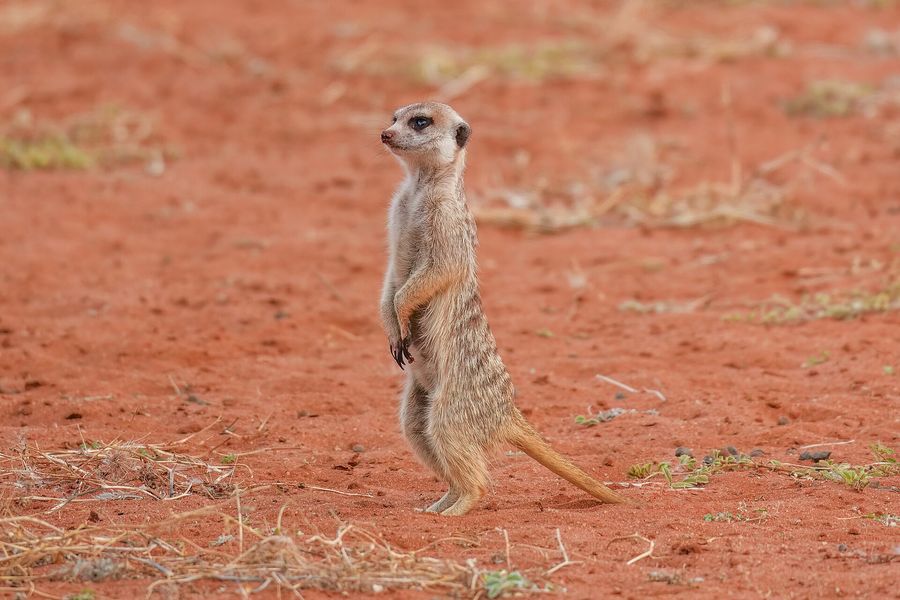
- PinterestThe video is 3:2. Pins want 2:3.Cropped to 2:3, meerkat kept in frame.
- TikTokNo sound yet.Sent to your TikTok inbox as a draft, so you can add one.
Kora Studio, Monday 11:42. Before it went out to 8 networks.
Image size questions.
6 answers. Anything else: hello@mirkaat.com
01What is the best Instagram image size?
1080 × 1350 pixels, a 4:5 portrait. It takes up the most space in the feed. Instagram accepts shapes from 4:5 to 1.91:1 for feed posts and carousels.
02What size is an Instagram Story or Reel?
1080 × 1920 pixels, a 9:16 vertical. Reels can be 3 seconds to 15 minutes. Stories hold 1 photo or a video of 3 to 60 seconds.
03What size should a TikTok video be?
1080 × 1920 pixels, 9:16 vertical. TikTok photo carousels take up to 35 photos in JPEG or WebP.
04What is the best image size for LinkedIn?
1080 × 1350 pixels (4:5) works best on phones. LinkedIn accepts shapes from 1:2.4 to 2.4:1 and up to 20 photos in 1 post.
05What size is a Pinterest pin?
1000 × 1500 pixels, a 2:3 portrait. It shows biggest in the feed. Pins can be between 1:2 and 2:1.
06Can I use 1 image size for every network?
Mostly. A 4:5 image at 1080 × 1350 works on Instagram, Facebook, LinkedIn and Threads. TikTok, Reels, Stories and Shorts want 9:16. Pinterest prefers 2:3, and X shows 16:9 best.